Follow the instructions below to search for a calendar event.
Navigate to calendar on modern campus CMS. Help| Locate Calendar in Main Menu
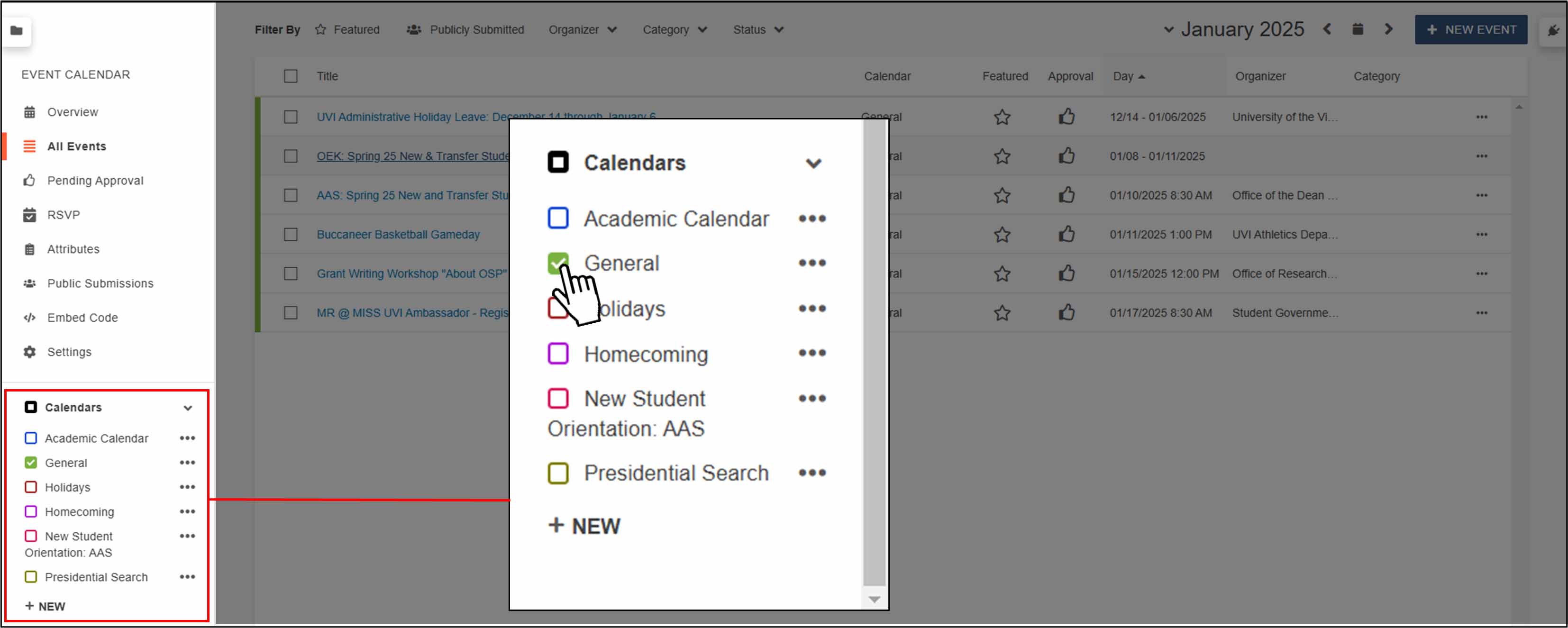
Ensure the correct calendar group is selected on the sidebar on the left side of the page. (The default calendar is General)
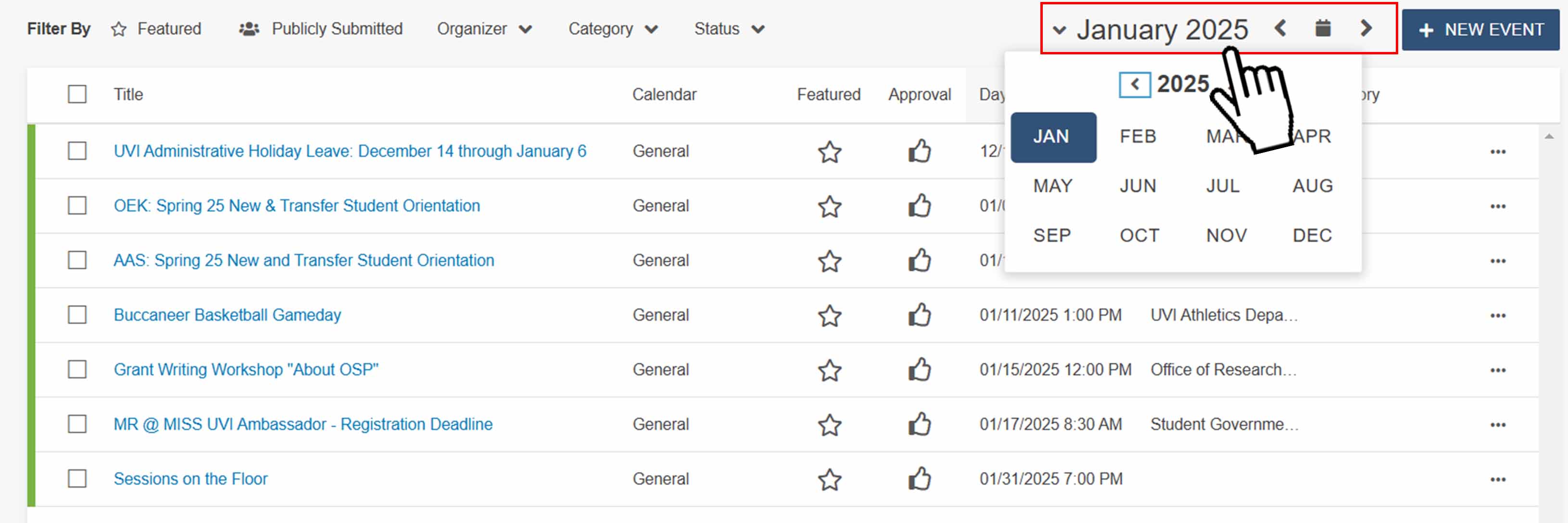
In the top right corner of the page, the current month is displayed.
By clicking the month, you can use the dropdown menu to select the month and year
of your event. (Filter by other attributes if desired)
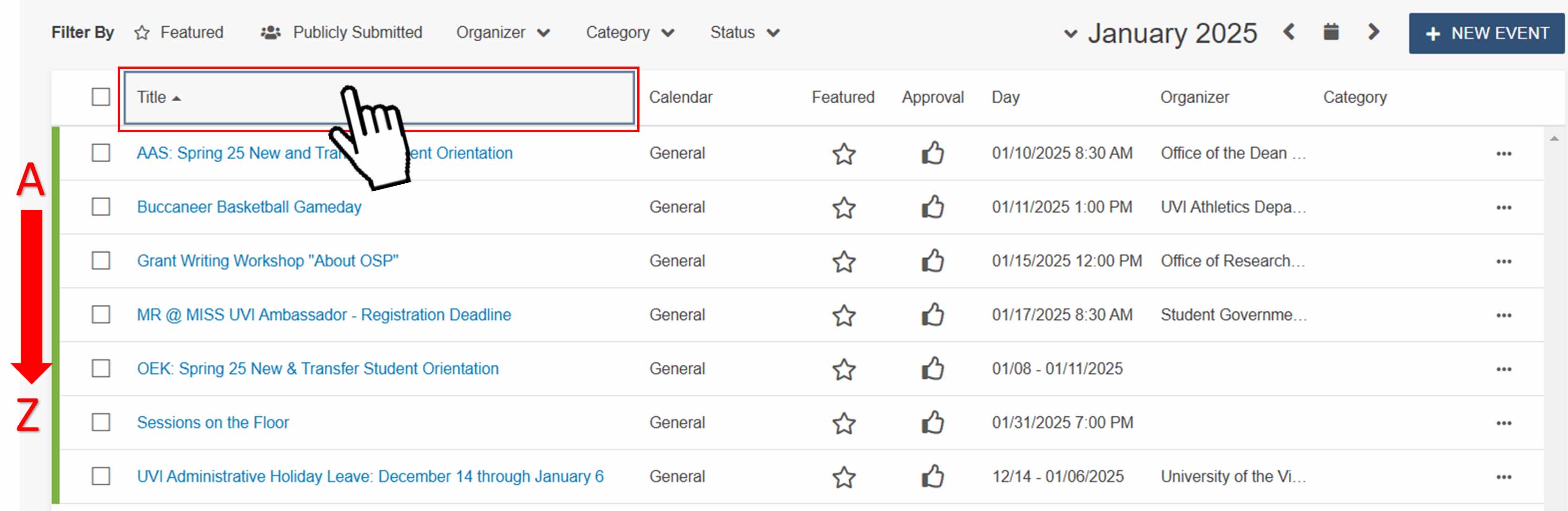
To sort the results in ascending or descending order, click on “Title” or “Day” based on your sorting preference.